
Learn how to first sign up to mA.I Health™ after downloading the mA.I Health™ app.
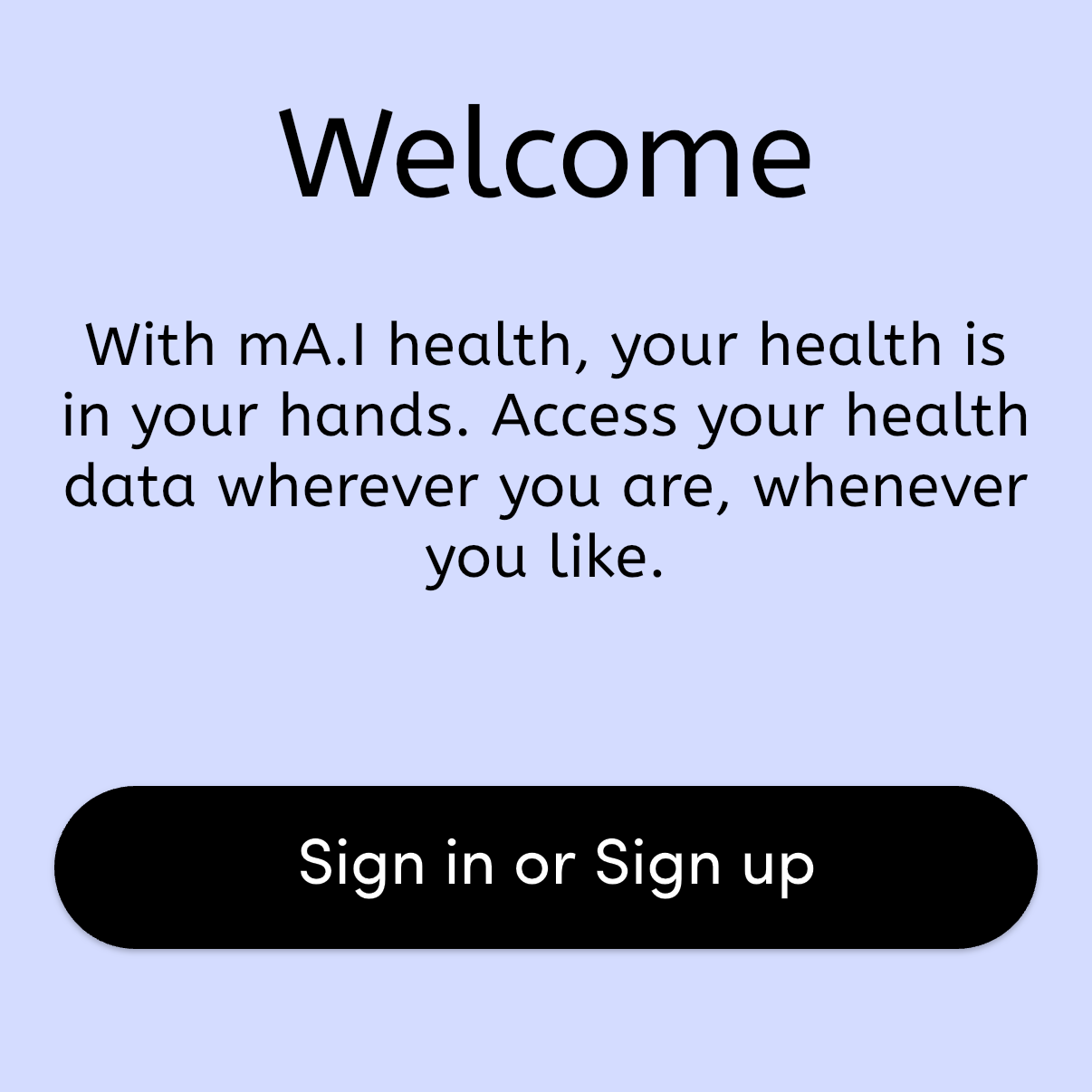
To begin, open your mA.I Health™ app, and press the Sign in or Sign up button.
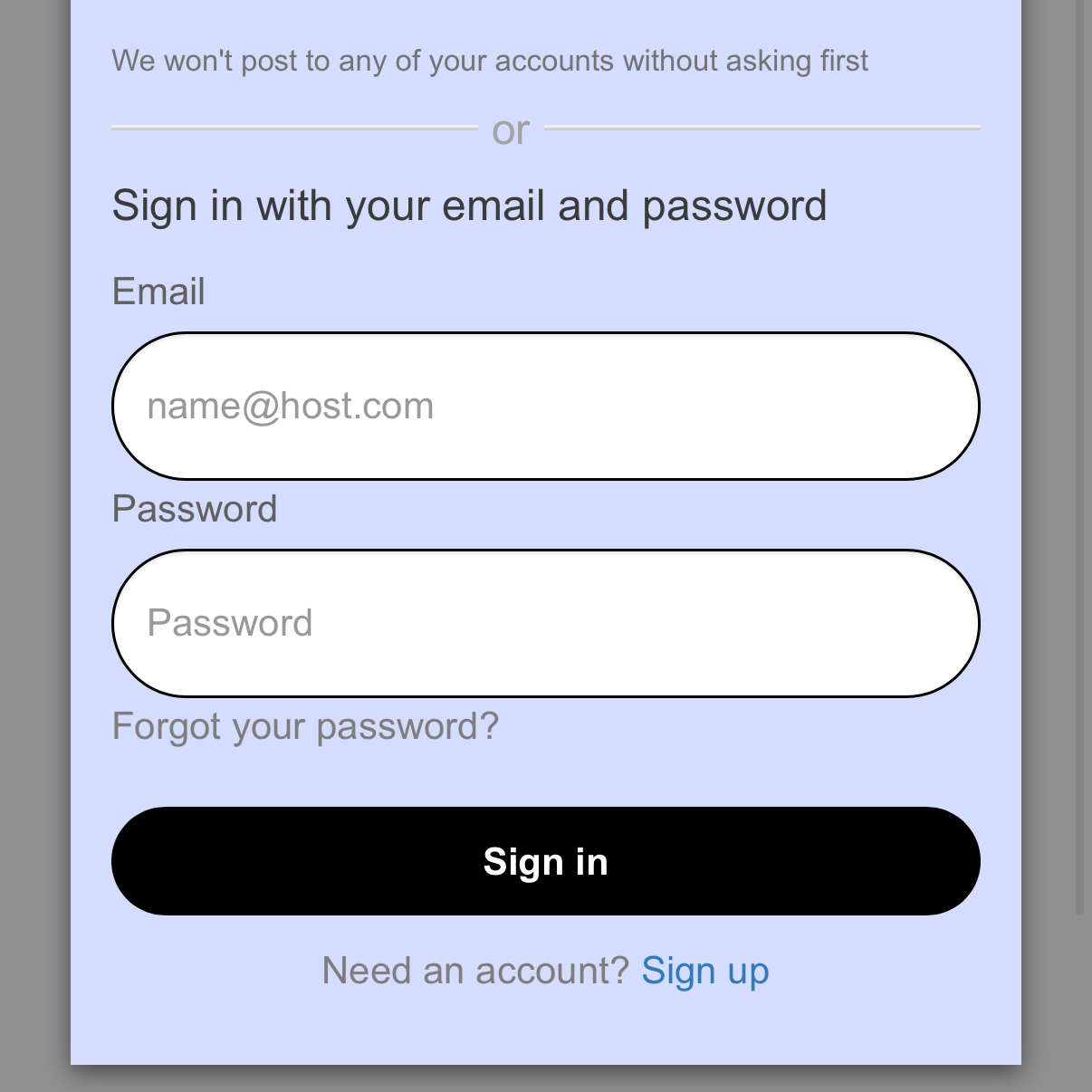
Scroll to the bottom of the Sign in screen, and underneath the Sign in button, choose to Sign up.
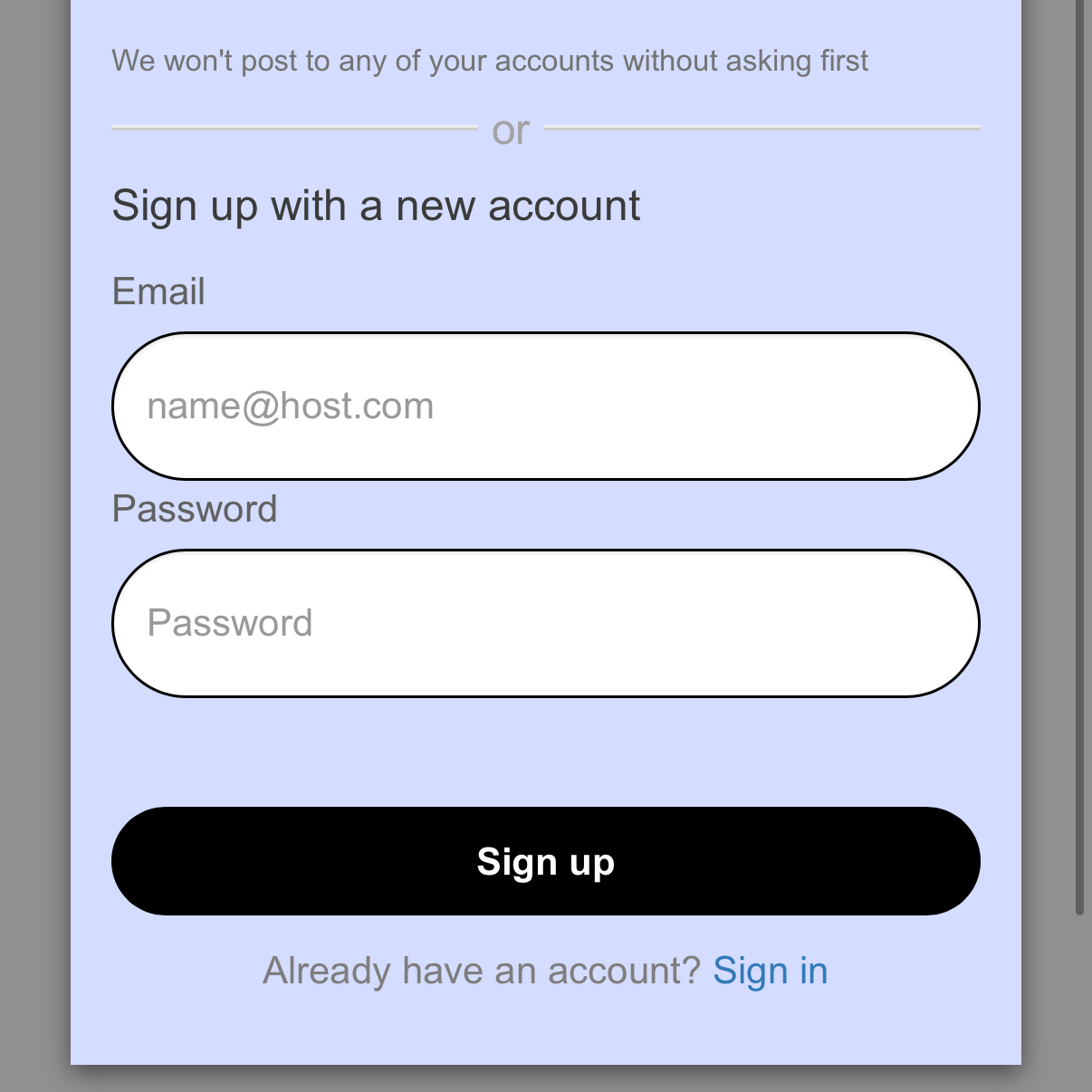
On the Sign up screen, add the email address you want connected to your account. Then add your desired password, including at least one character.
When you’re finished, press the Sign up button.
You will be sent a passcode to confirm your sign up. Enter it into the app after receiving it.

Your account has been verified and you’ll be asked to complete your health information.
Follow the onscreen instructions. If you do not have your information on hand, you can use the Skip button to move past that step. This information can be completed or edited later from your in-app profile.