
Giving access to your account
In the event of an emergency, you may wish to have your medical information accessible by your spouse, partner, friend, carer or family member.
Learn how to give access to your mA.I Health™ app account to an emergency contact, spouse or others.
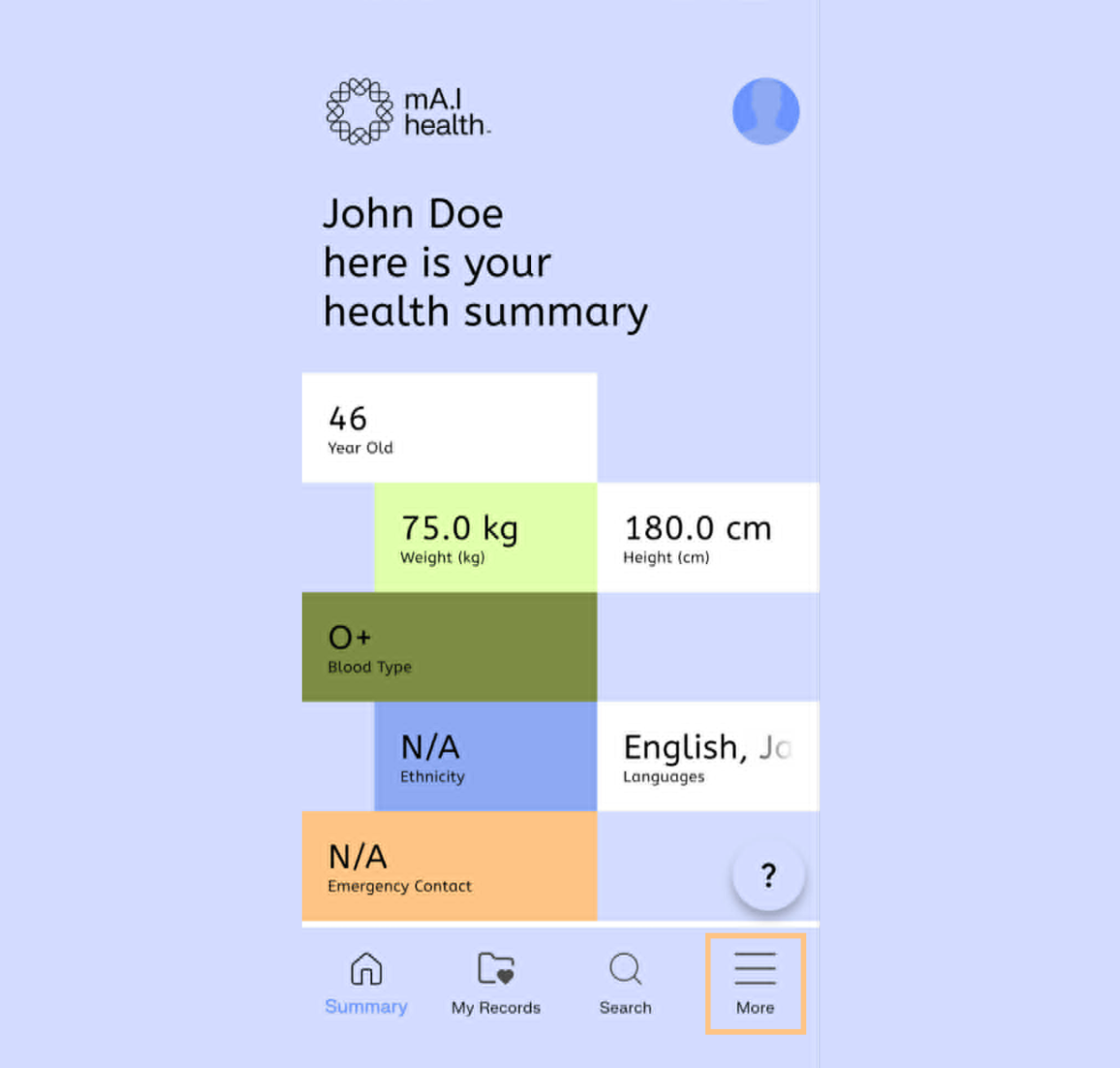
To begin, navigate to the More menu in mA.I Health™ app, by selecting the three lines in the bottom right hand corner.
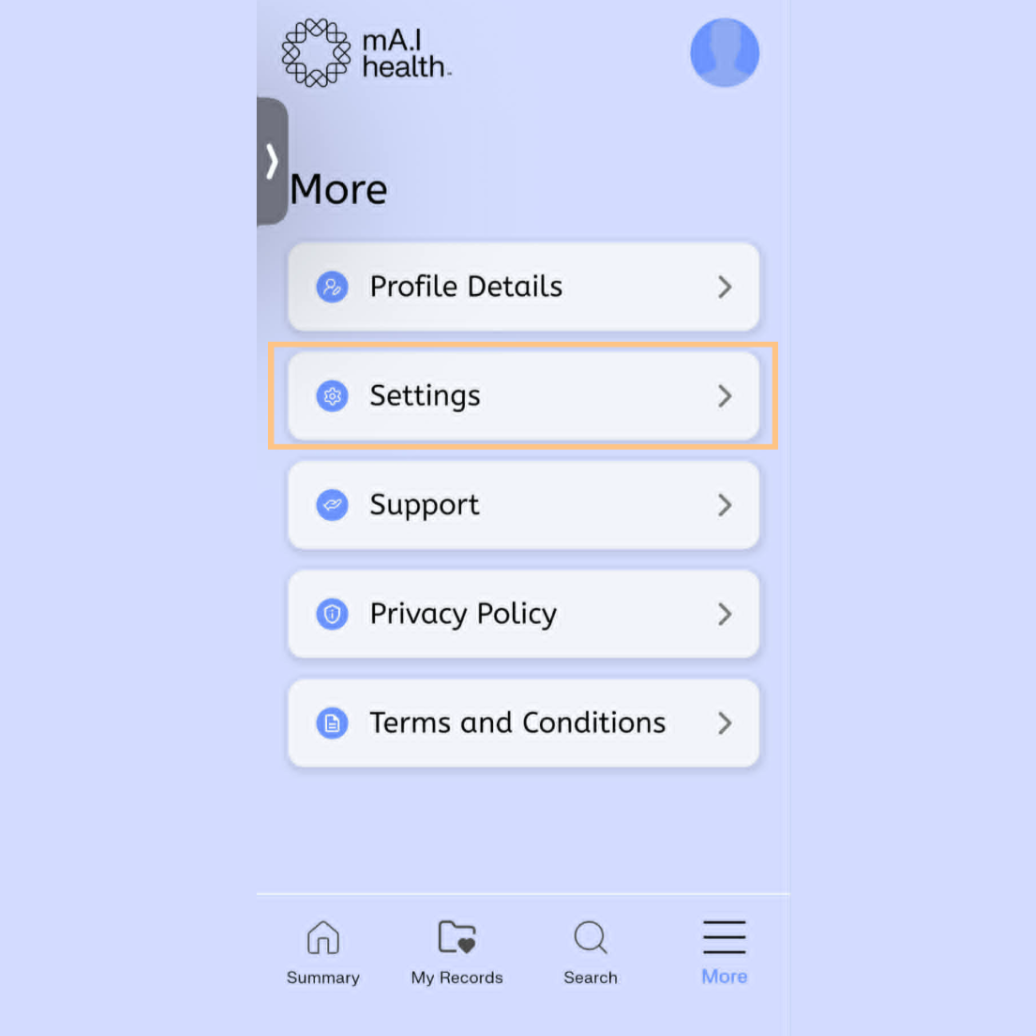
On this screen, select the Settings option…
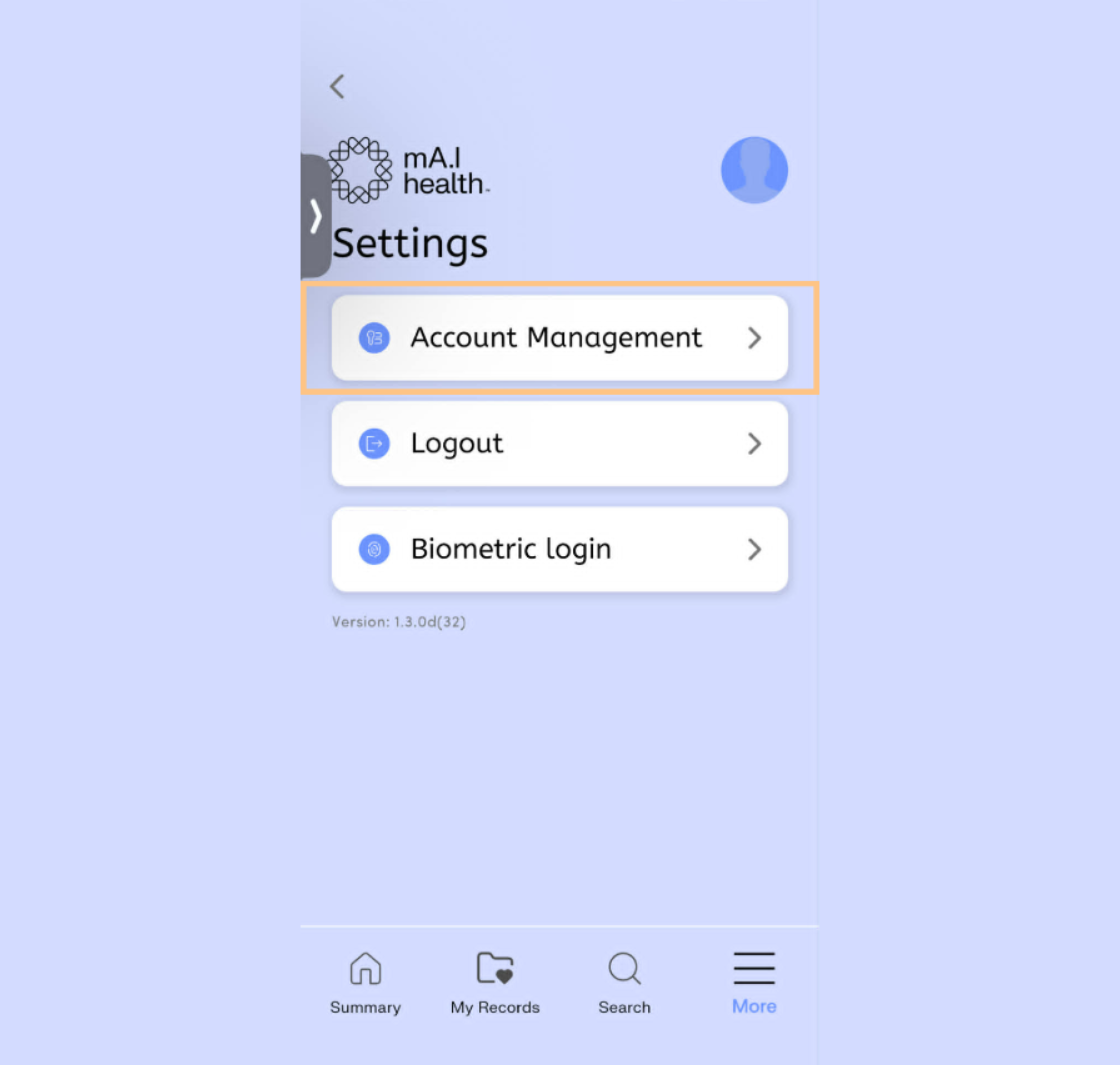
…then select Account Management.
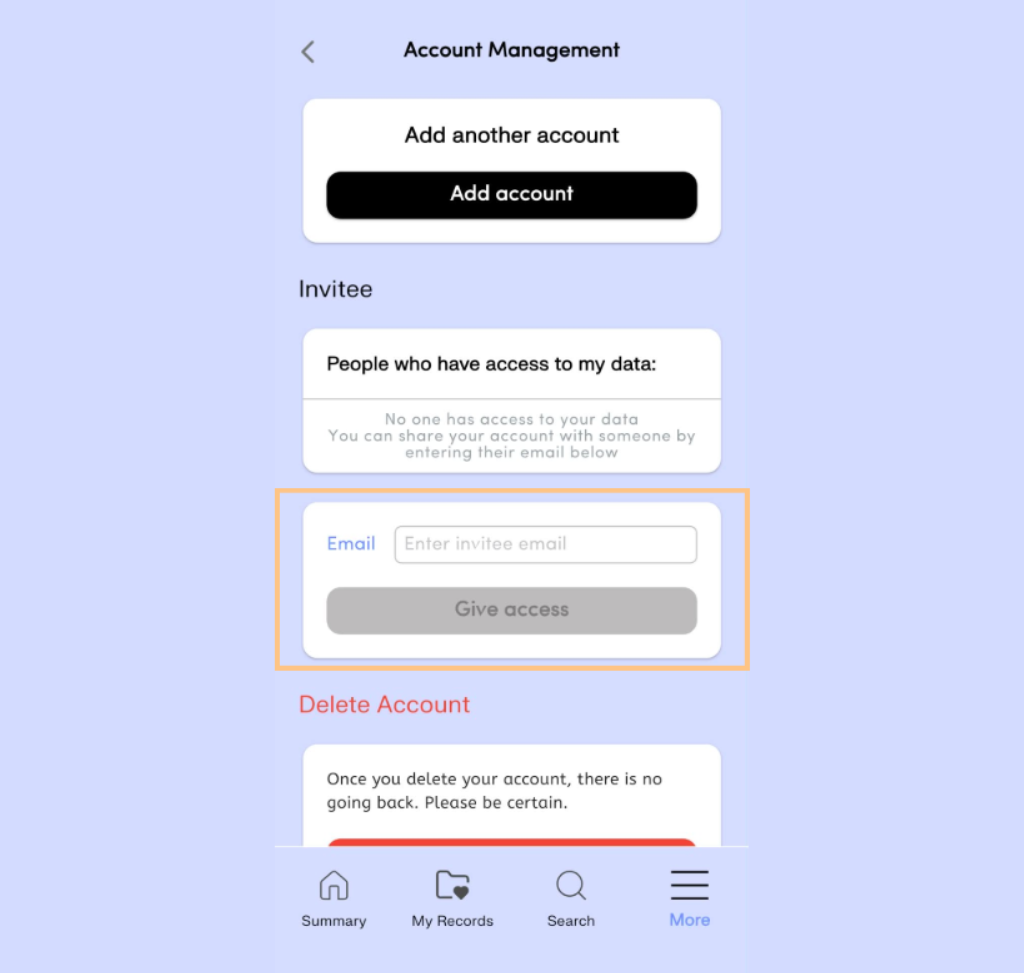
Scroll down to the Invitee section and enter the e-mail address for the person you wish to invite. Note that the invitee will need to have their own account in order to see your account.
Confirm access when prompted.
The invitee will now appear in the confirmed access box.