
Switching between users
Learn how to switch accounts in your mA.I Health™ app.
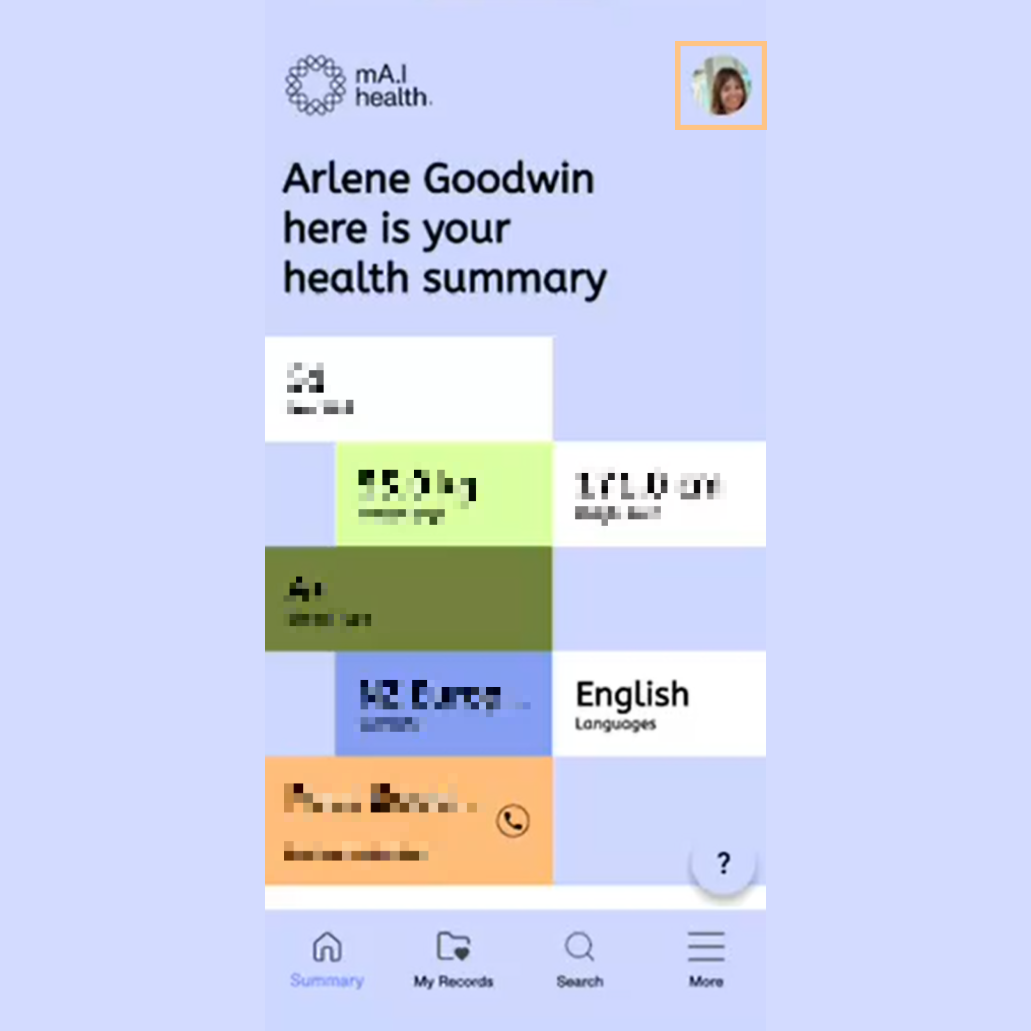
Click the account button in the top right hand corner to view available linked accounts.
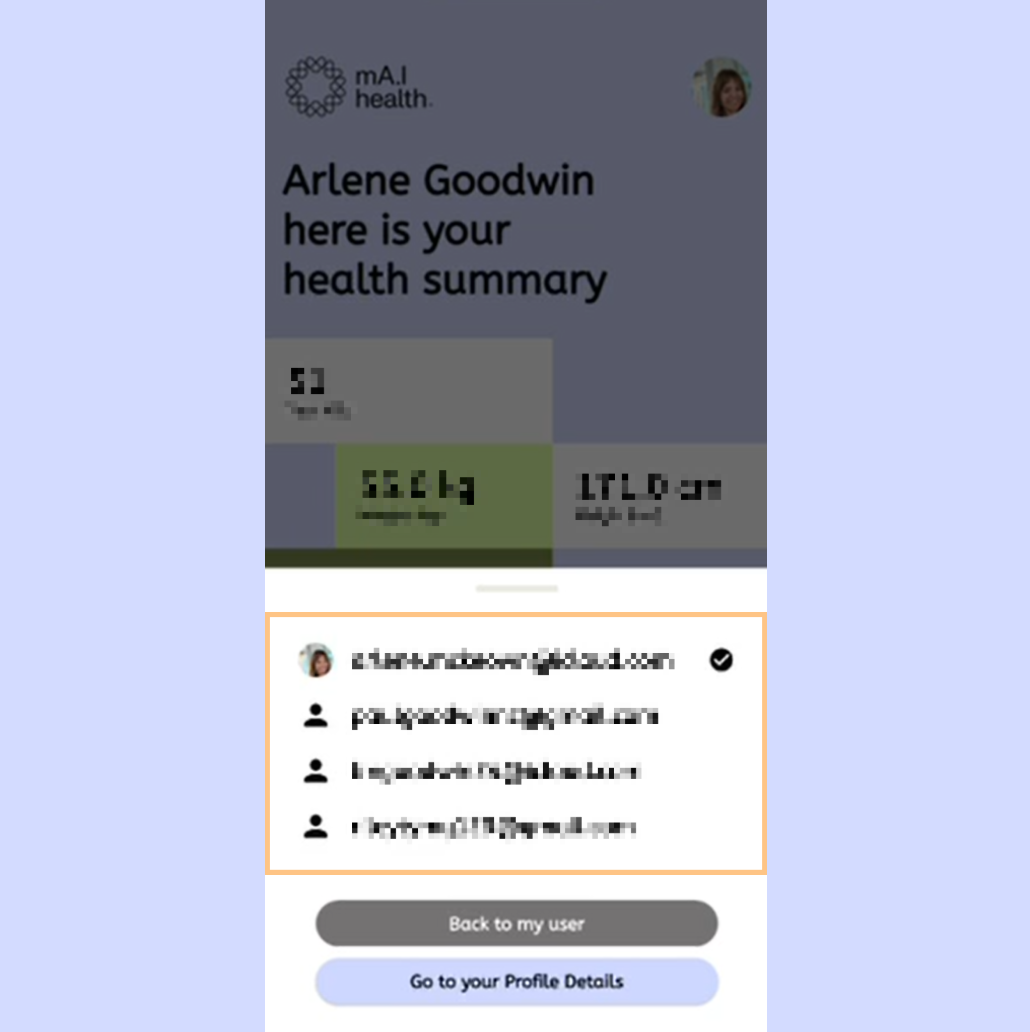
Click the linked account you want to switch to from the list.
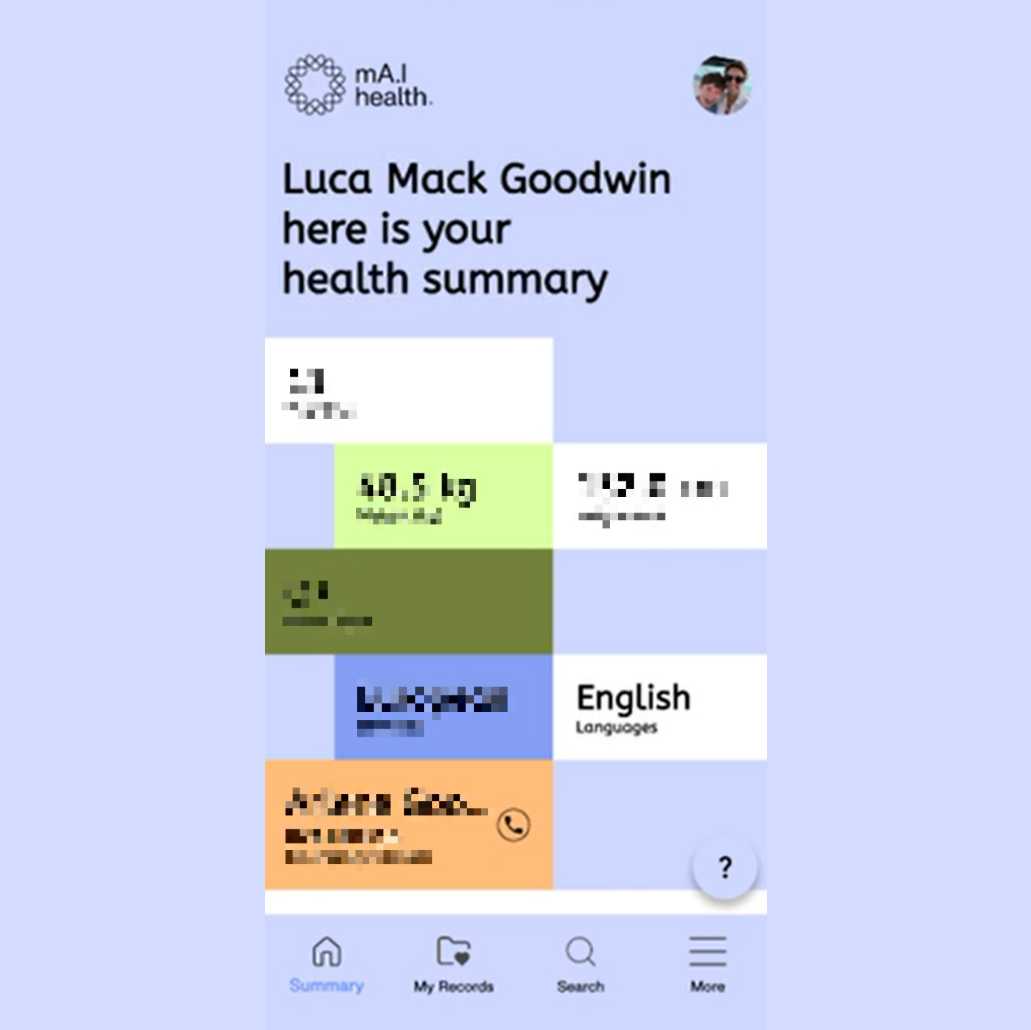
After the account switching process, you can look at the name displayed or click the account button to confirm the active account has changed.