
Learn how to edit your profile and health summary information on the mA.I Health™ app.
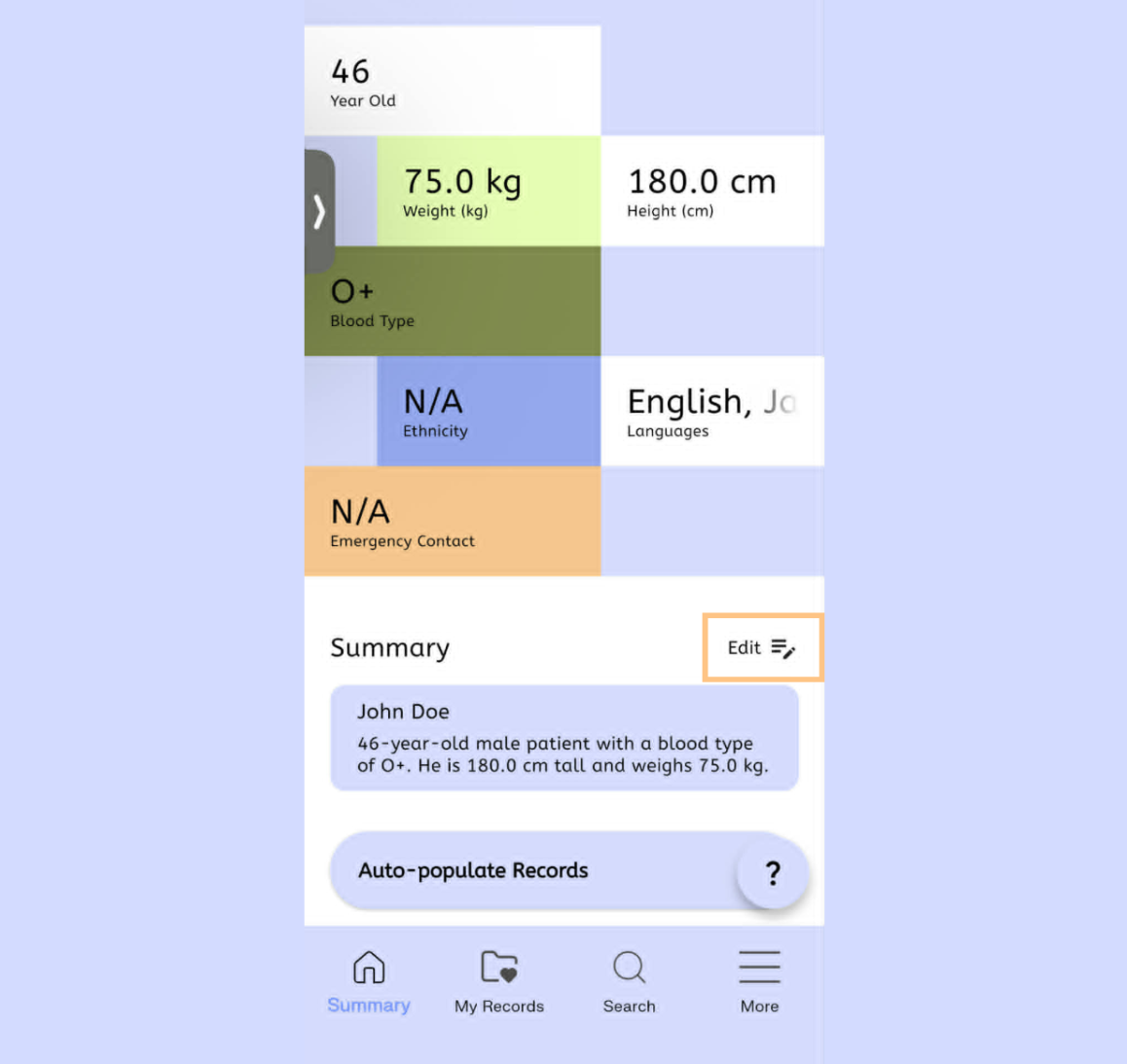
On your main dashboard, your Health Summary is a quick overview of your personal information in order to give relevant highlights of your conditions. It can be found underneath your Profile data at the top of your main dashboard.
To edit it, start by selecting Edit next to your Health Summary information.
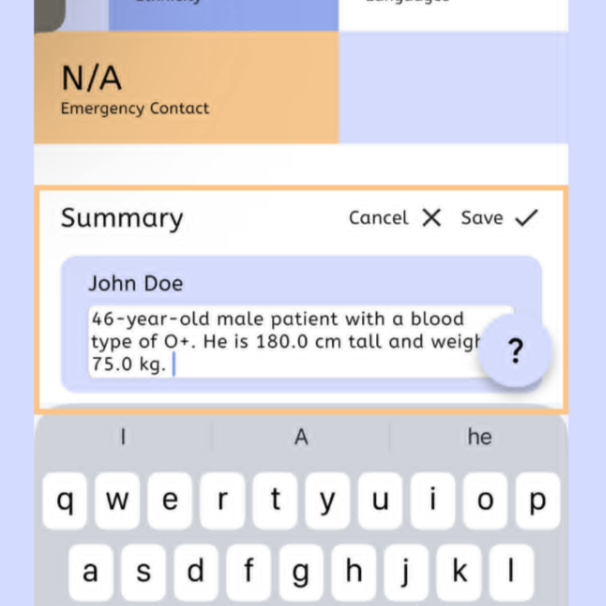
Enter your recent health information, then click the Save button to save the updated information.
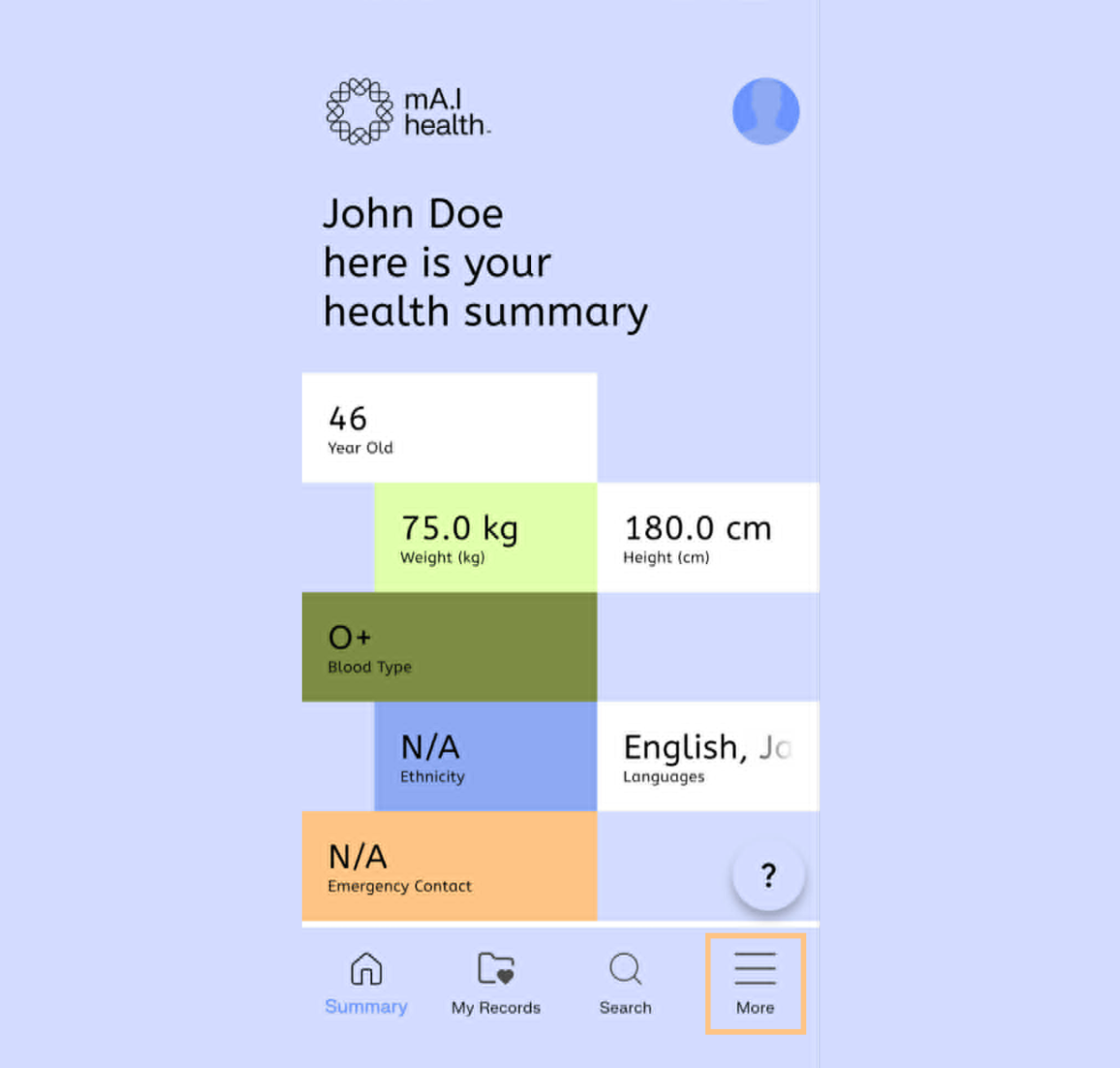
To edit your profile, navigate to the More menu in the mA.I Health™ app, by selecting the three lines in the bottom right hand corner.
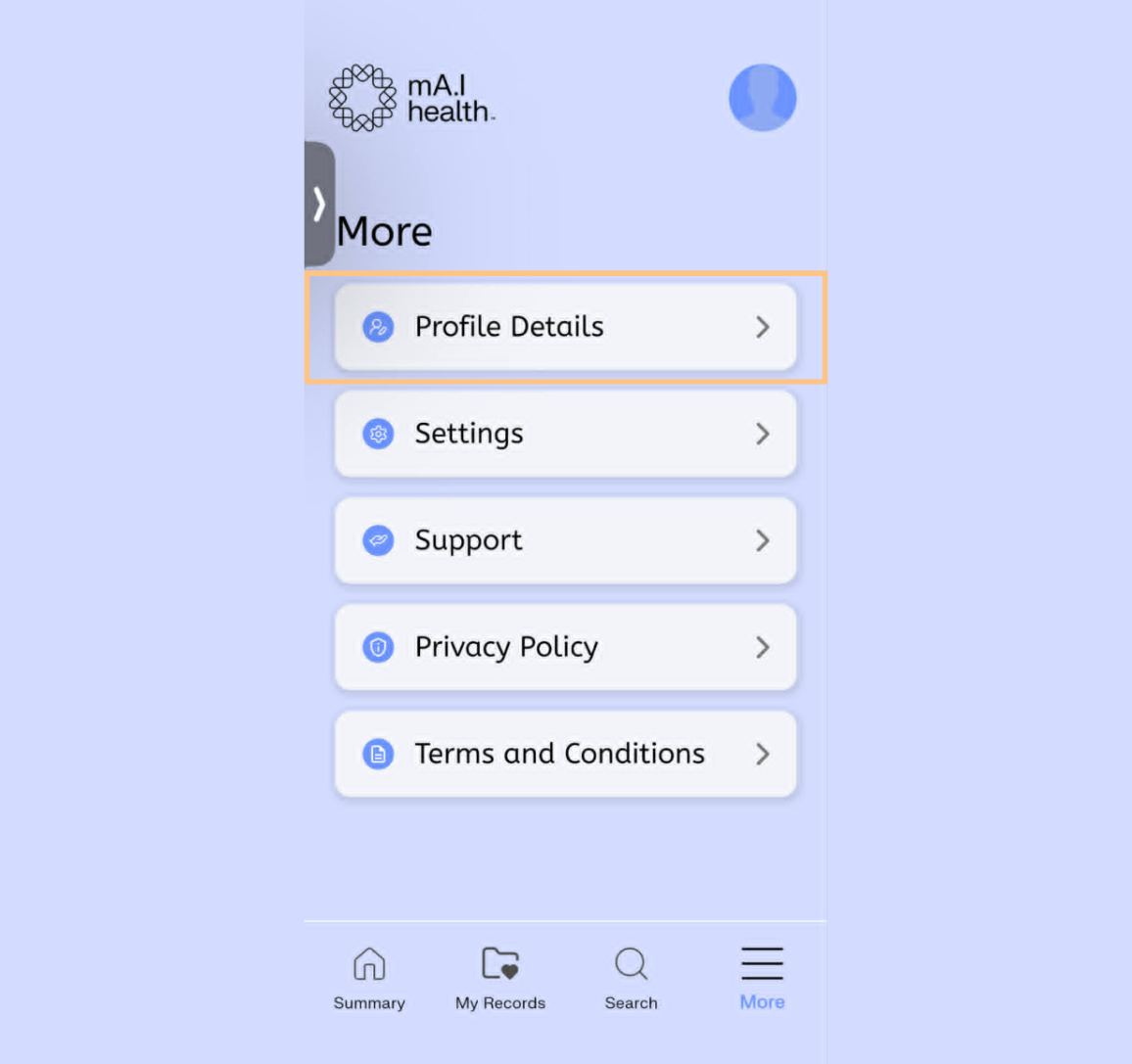
Select Profile Details.
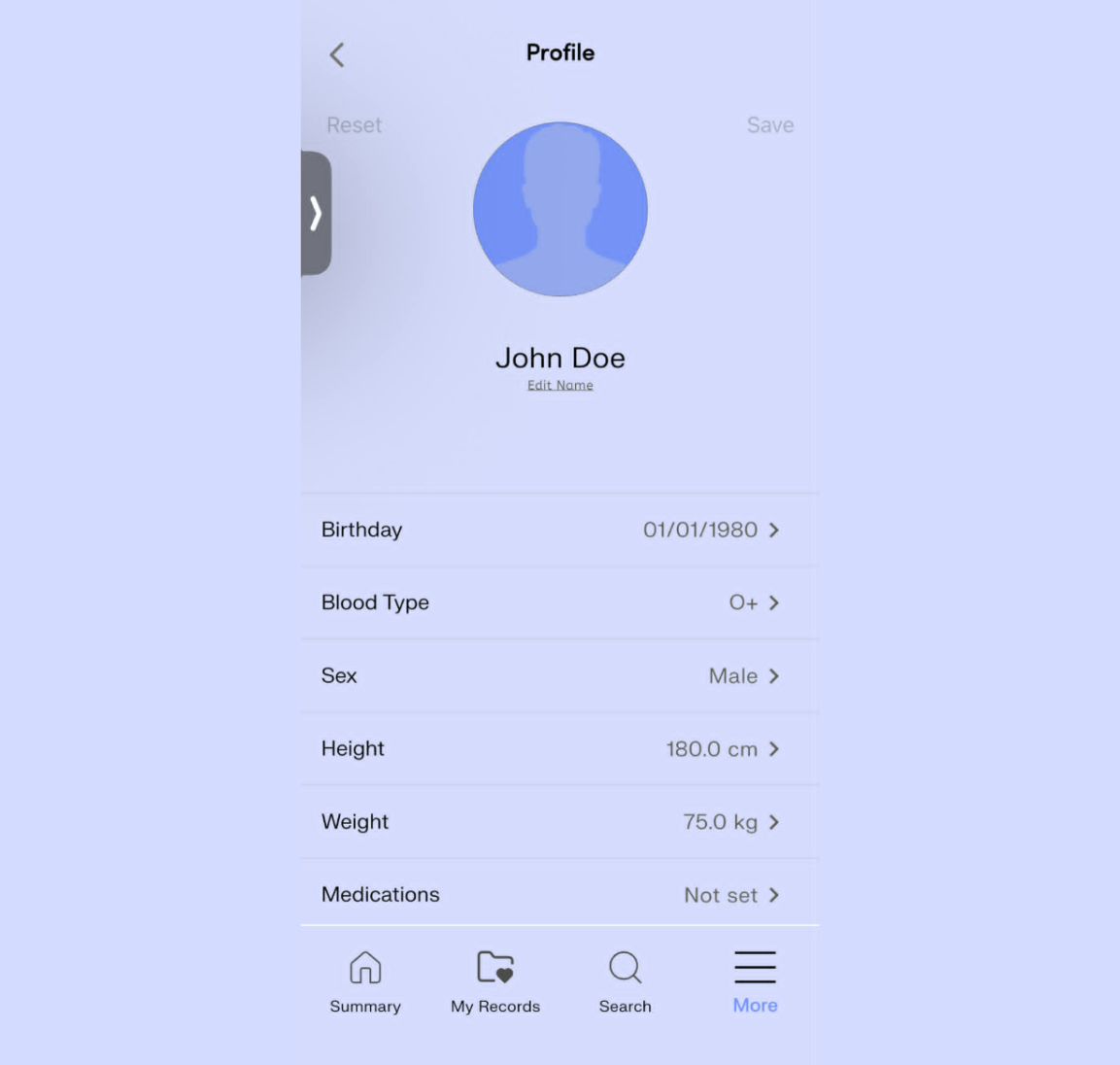
On the Profile screen, select the information you wish to change. Follow the onscreen instructions to update your information. When finished, select the Save button.