
Setting up your current medications
Learn how to update your current medications on the mA.I Health™ app, including how to add, save and edit your medication details.
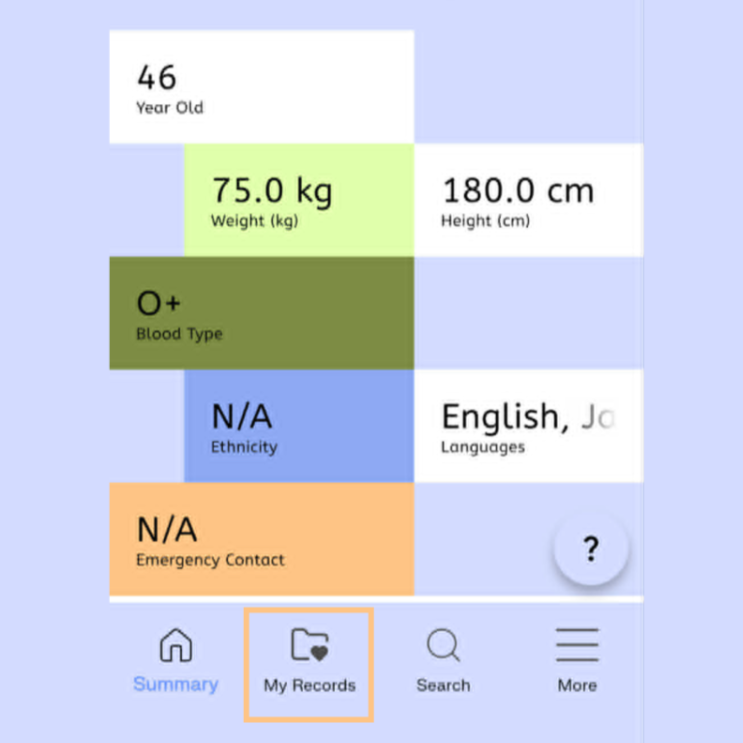
Select the My Records icon at the bottom of the homepage.
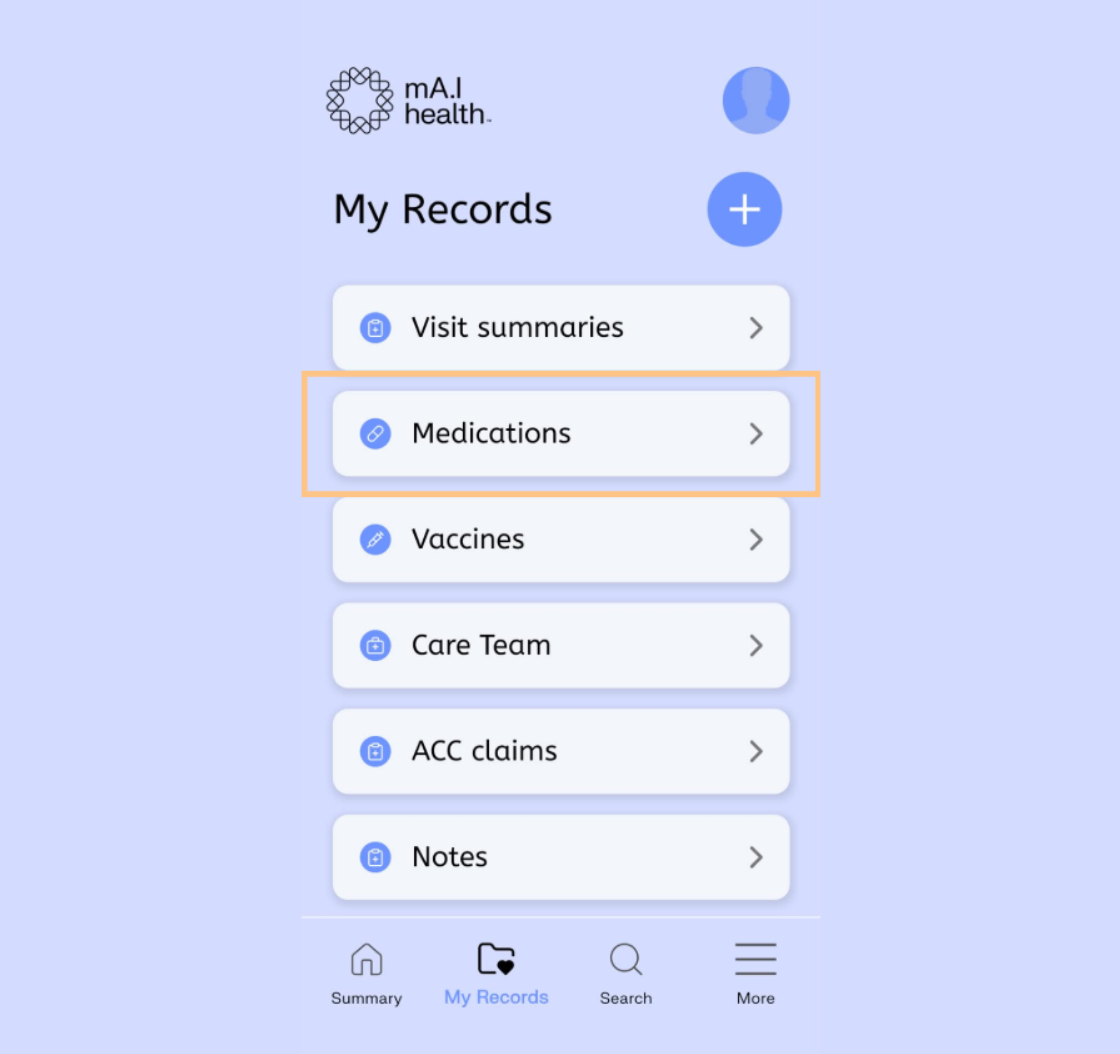
Select the Medication tab within the My Records screen.
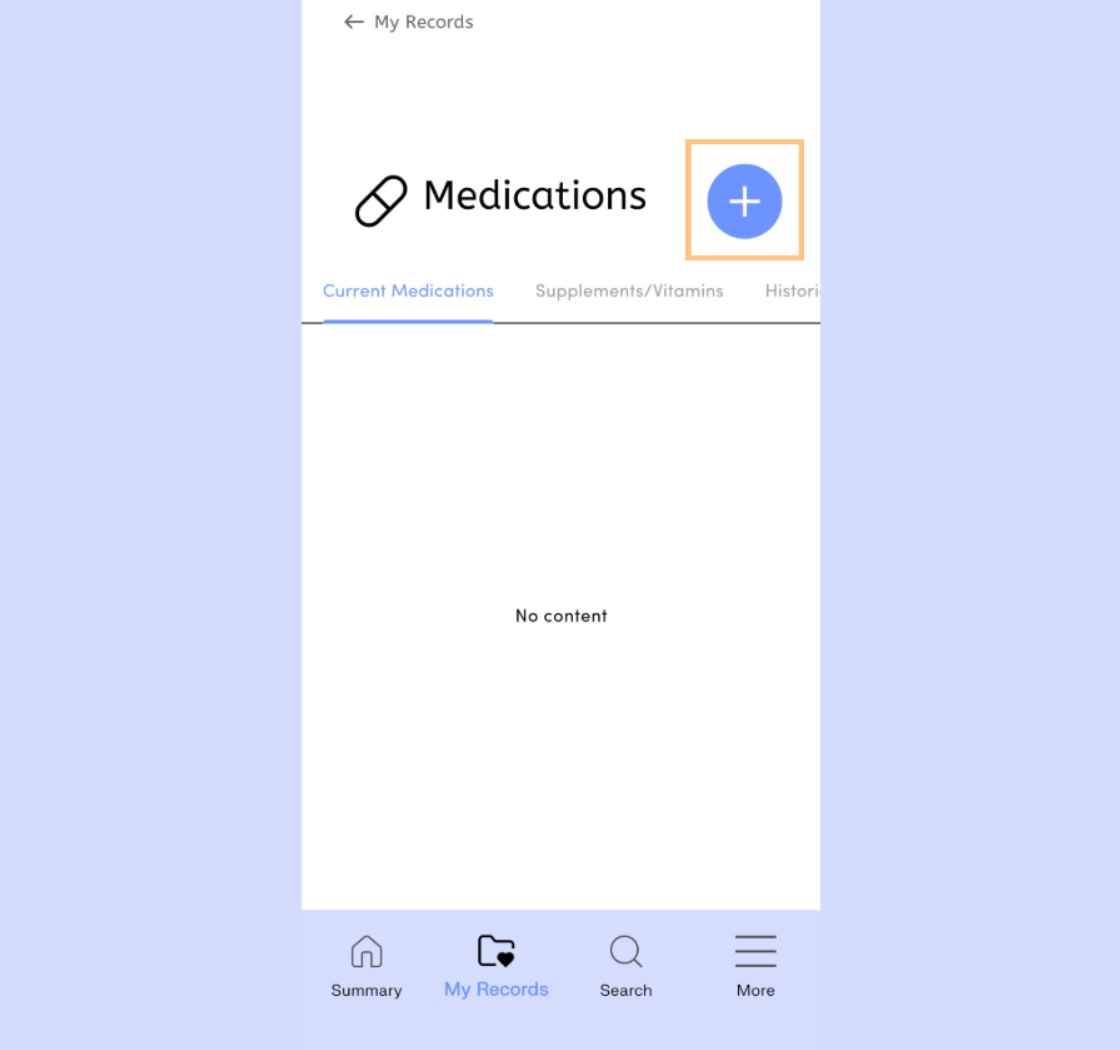
Tap the Plus icon to begin adding a new medication to your list.
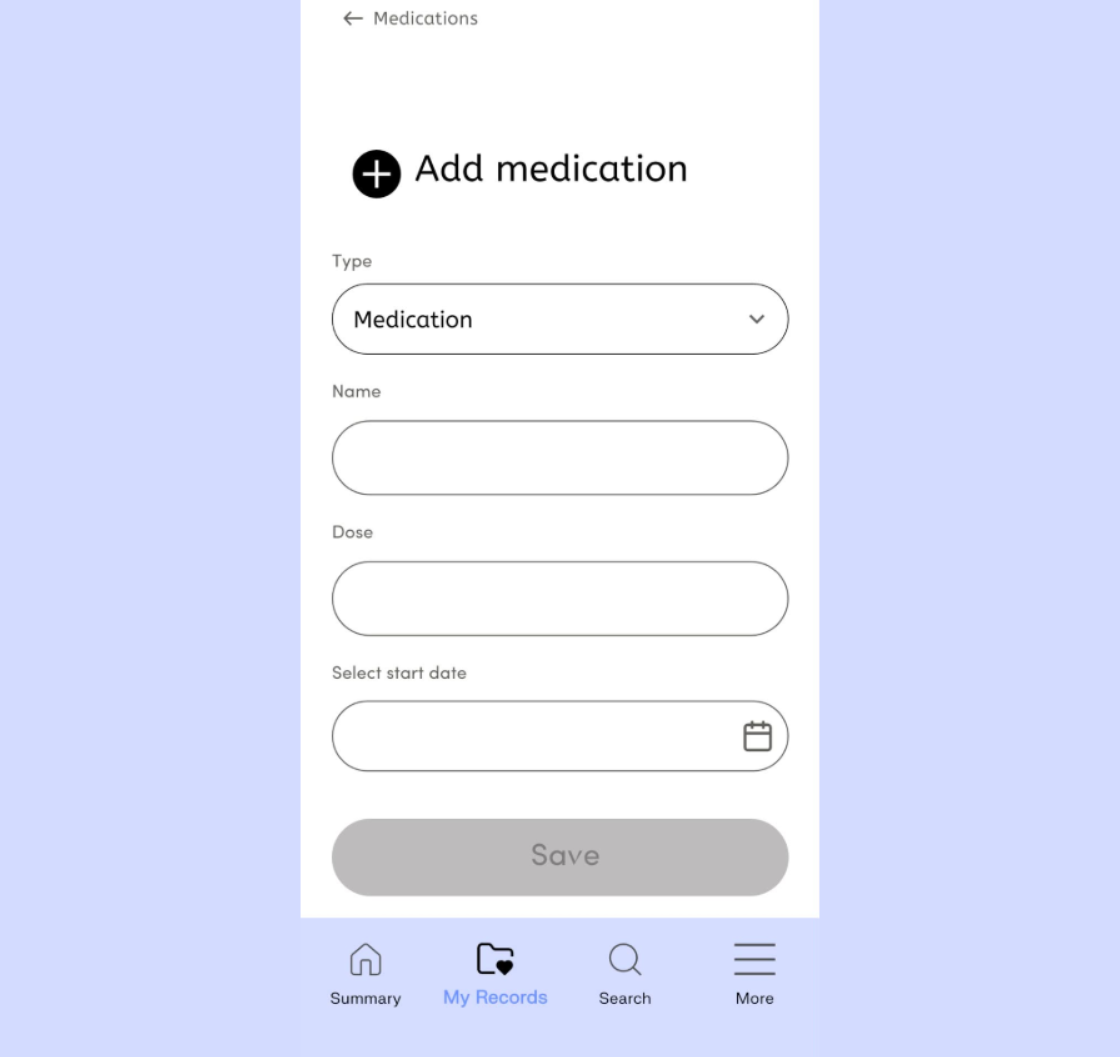
Work through the form completing the requested medication details.
When selecting a start date, choose the day before your actual start date to ensure it shows in your calendar effect of the current day.
If you require the medication indefinitely, leave the end date blank.
Entering accurate information in the description box, such as the medications purpose, can help doctors treating you in the future.
Select the Save button at the bottom of the form when finished.
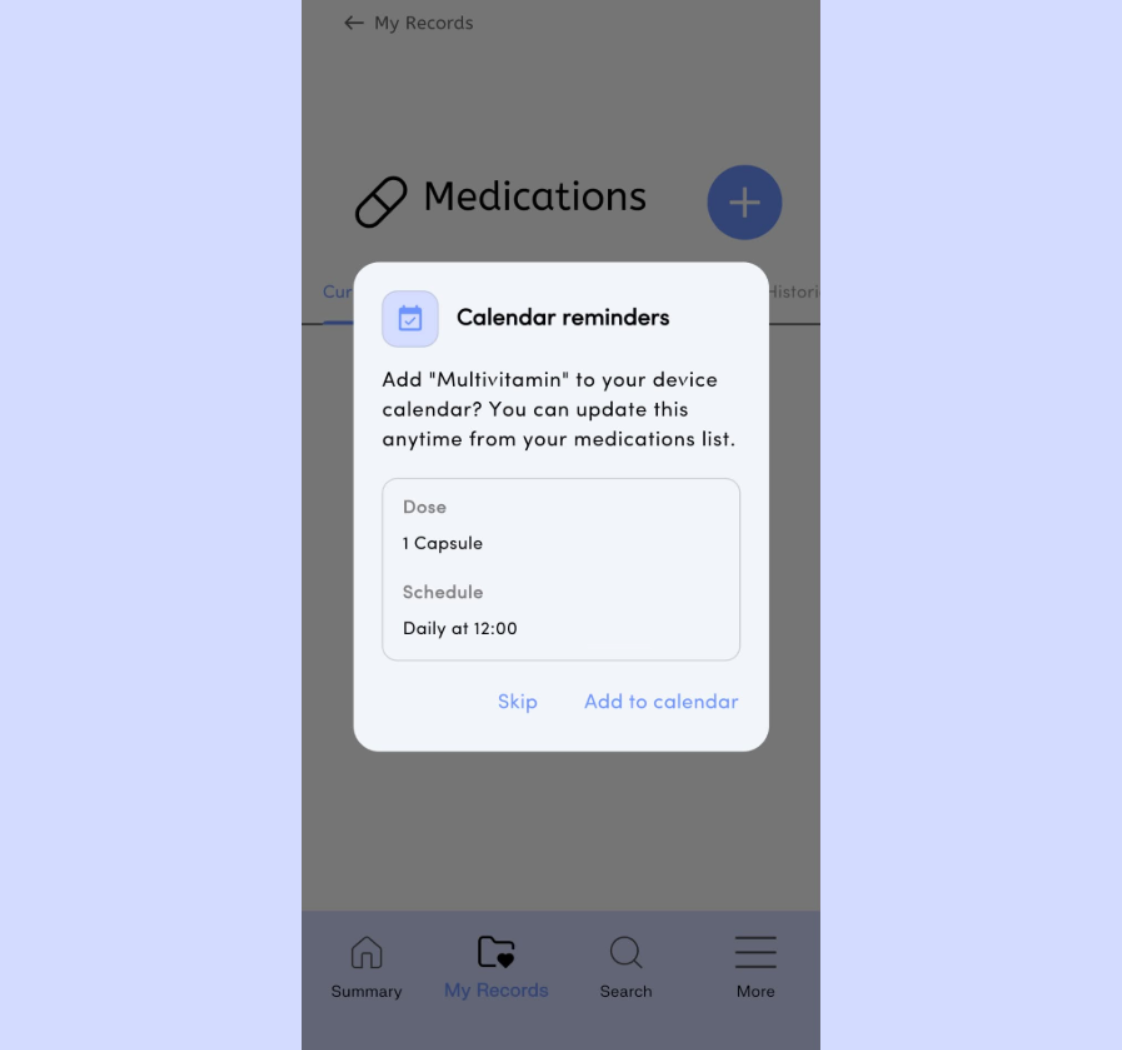
You may be asked to add a notification to your calendar reminding you to take this medication after completing the form. If you choose not to add a notification, you can add one later.
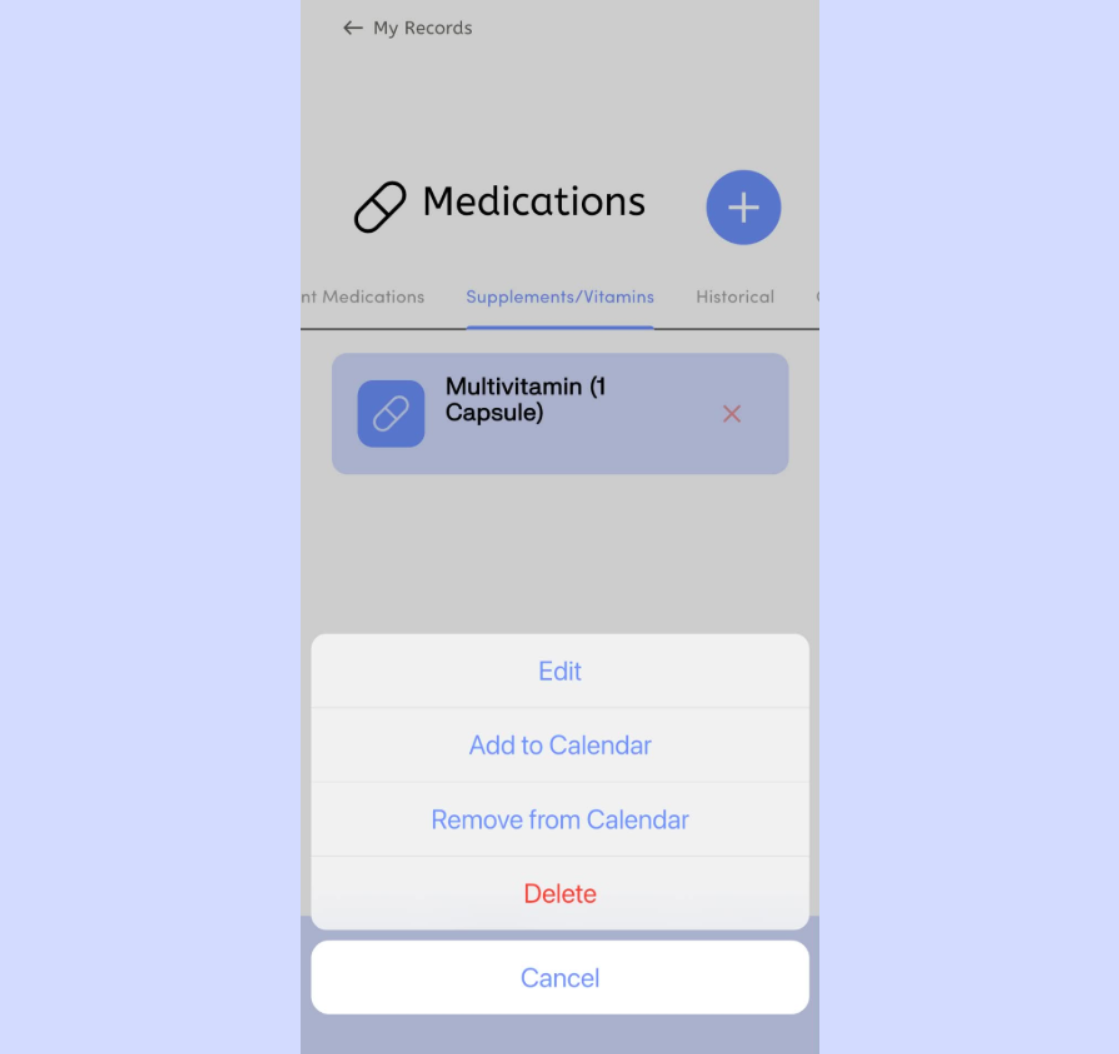
If you ever wish to edit the details of a medication, simply find it under the appropriate folder, and tap on the medication to bring up your editing options.