
Using the search functions
Learn how to use the traditional and AI powered search functions in your mA.I Health™ app.
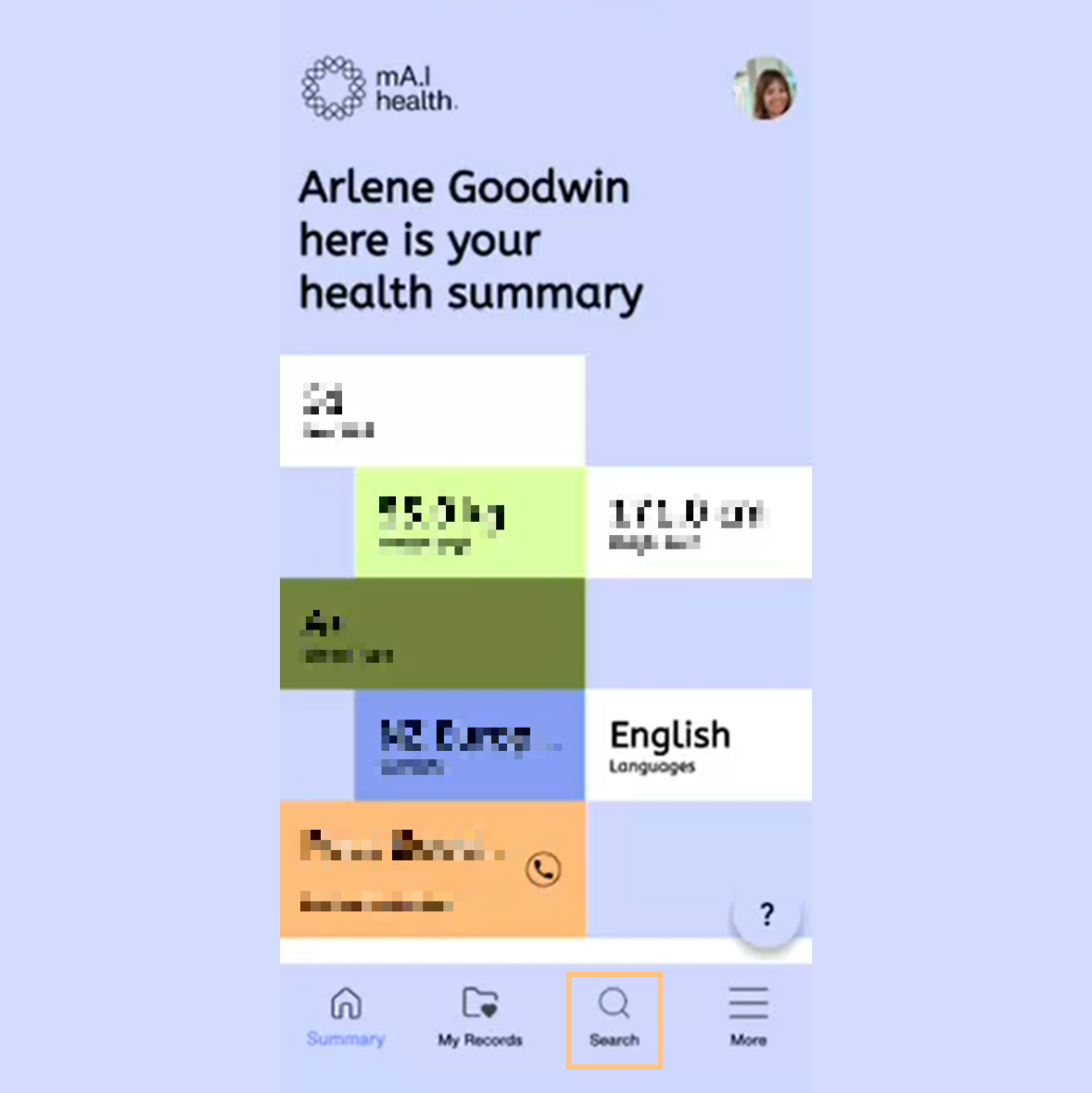
Click the Search icon at the bottom of your home screen.
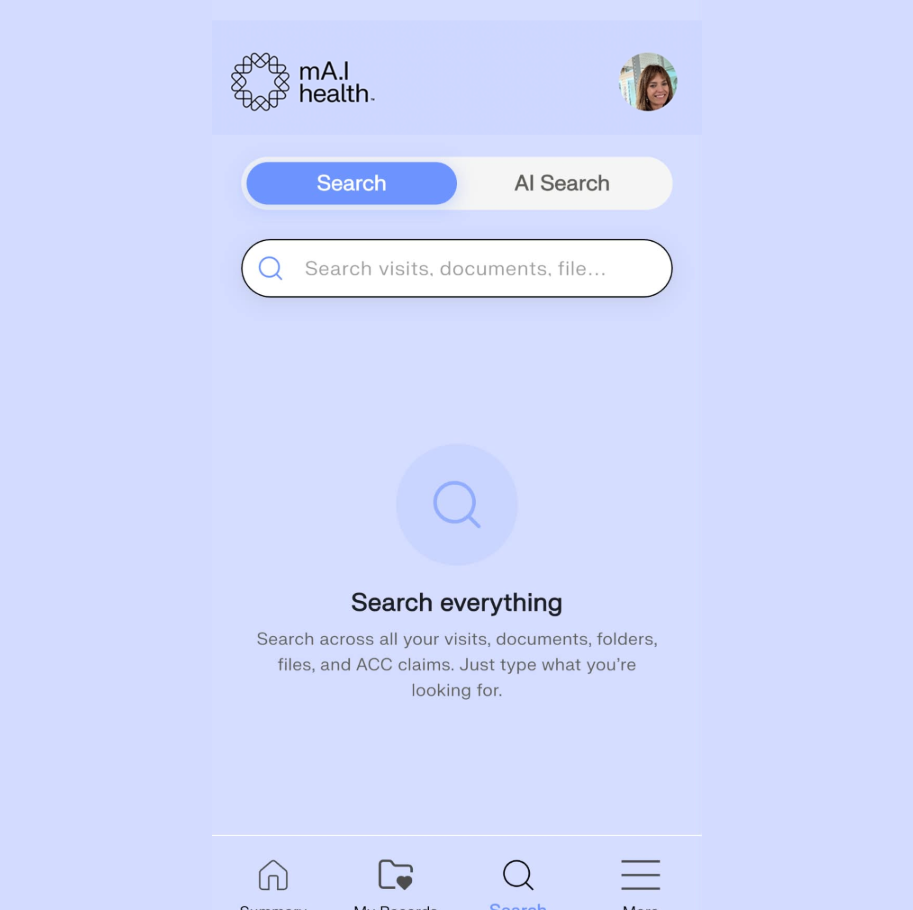
In the Search section of the app, you can choose to search in two different ways.
The first is traditionally, where records are surfaced based on their names and other in app information. The second is through AI, where results can include information scanned from documents using AI.
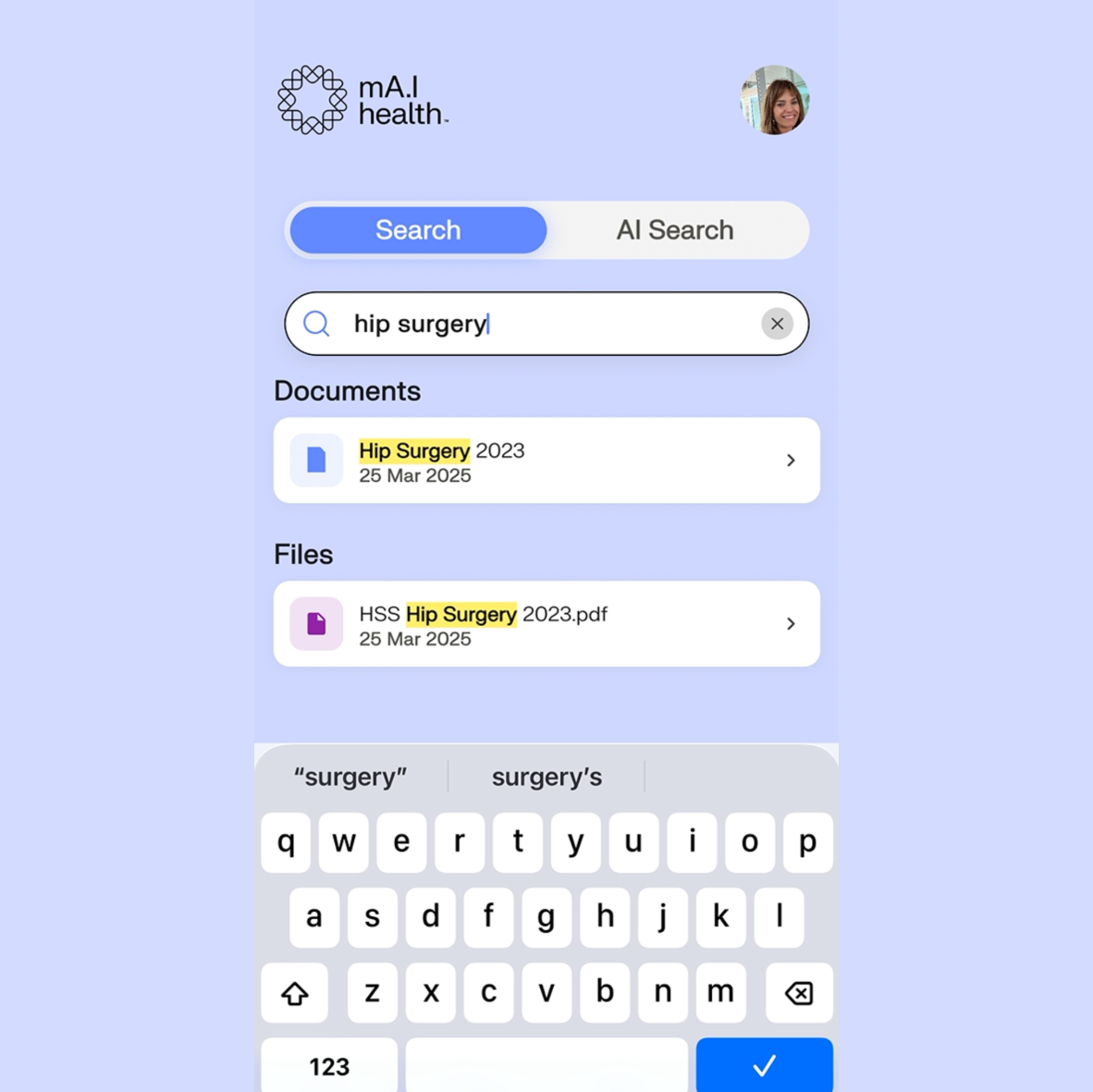
To use the traditional search, click the Search tab then use your onscreen keyboard to search the relevant terms.
In this example, searching the term ‘Hip Surgery’ has returned all results with that term in the title.
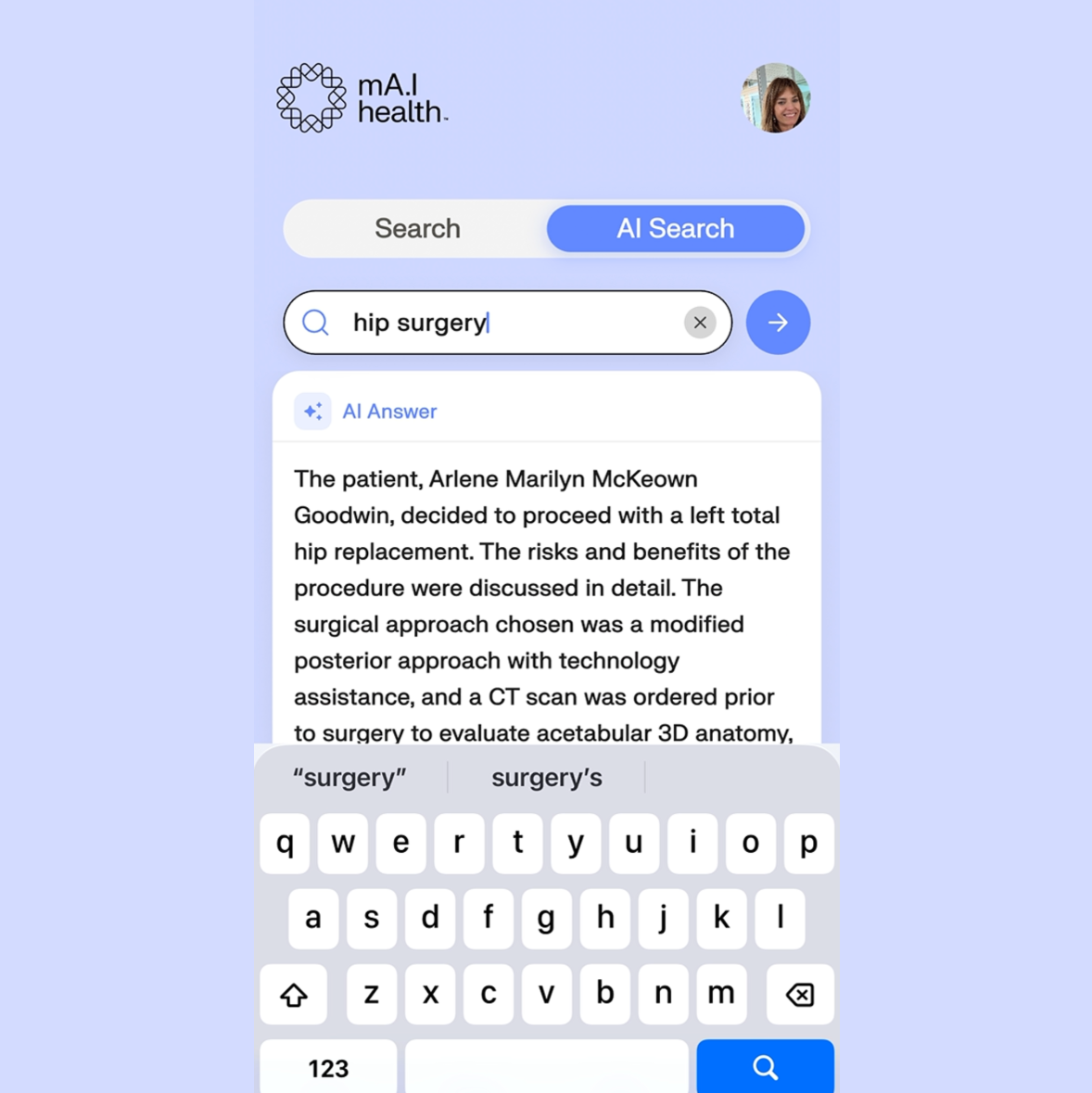
To use the AI powered search, click the AI Search tab then use your onscreen keyboard to search the relevant terms.
In this example, searching the term ‘Hip Surgery’ has returned an AI answer using information scanned from the documents themselves, with citations and links to the relevant files.